

🚌 SIMS + TUTO + CC FINDS 🎒
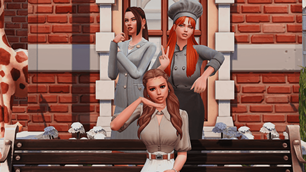
Description
In this post, the main subject will be my school located in Willow Creek, available in my save "Willow Creek + Tartosa".
👉DOWNLOAD AND PLAY IN MY SAVE👈
First, I made a tutorial to explain how to make this school functional using the Business & Hobbies pack! Whether you want to manage the school or simply drop your Sims' children off there!
🎥WATCH ON YOUTUBE 🍿
----------------------------------------------------------------
So I created a schoolteacher, a headmistress, and a cook. She can also take care of cleaning and repairs if needed.
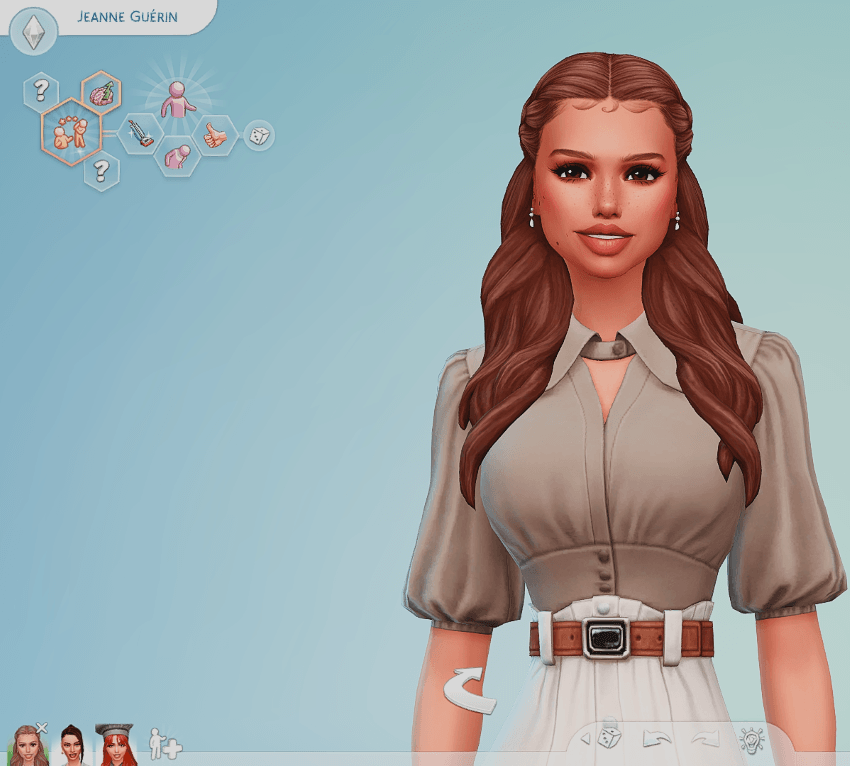
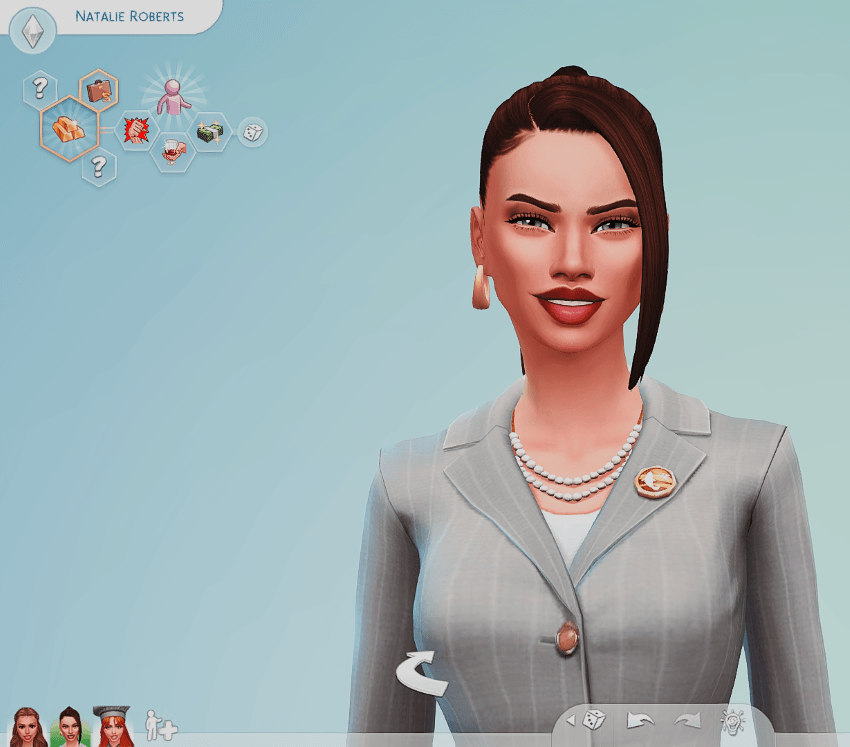
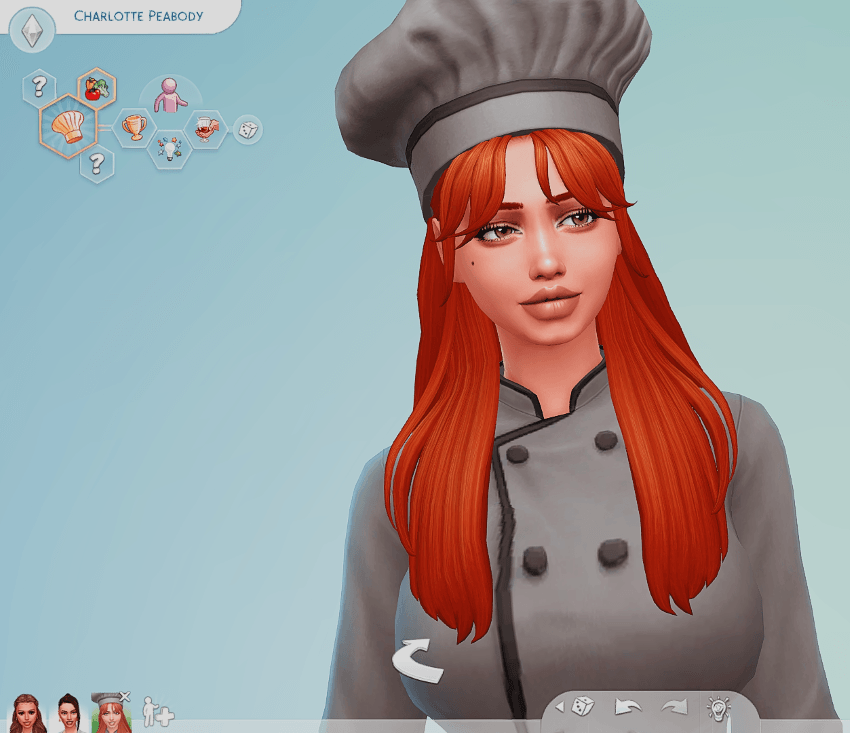
If you'd like my Sims to run the school, I've put them in this folder and I've included direct links to the custom content I used so you don't have to search for it. (Out of respect for the creators and their work, I haven't included the custom content directly in the folder.)
LIST OF CUSTOM CONTENT:
- Hair - QICC
- Eyelashes - Twistedcat
- Blush & ombre à paupières - Twistedcat
- Babyhair - Twistedcat ( deuixième fichier )
- Eyebrows - Twistedcat
- Eyeliner - Luxysims
- Eyelashes - twistedcat
- Hair - dogsill
- Earrings - CAMUFLAGE ( first folder)
- Eyelashes - Serenity
- Make-up - Twistedcat
----------------------------------------------------------------
INSTALLING THE SIMS IN YOUR GAME:
- Download the zipped folder
- Open "My Documents" then "Electronic Arts" then "The Sims 4" then "Tray"
- Open your zipped folder
- Select all the files inside the zipped folder and drag them into your "Tray" folder. Never put folders in the "Tray" folder!
You can find my Sims by going into your game, clicking on Gallery, then "My Library." And there you go! =)
Custom Content (CC) goes in the Mods folder! I recommend creating folders for "Hairstyles," "Makeup," "Clothing," or even folders by creator name. It will be easier for you to find what you're looking for.