

Hide Lashes
Description
⚠️ Status: TESTED & COMPATIBLE with the August 25th, 2026 Patch (PC/Mac: 1.127.41)
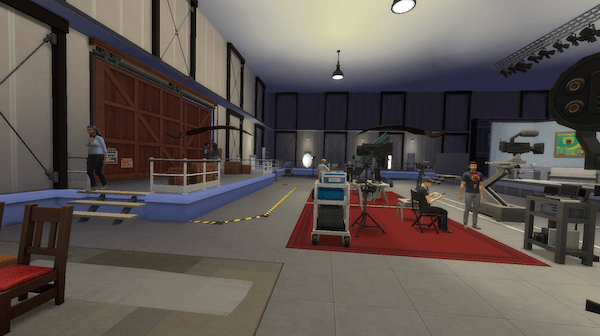
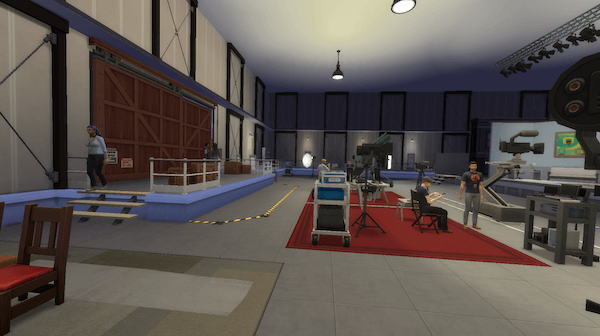
Hide Lashes
by deadlystingnyc
First person camera mode in Sims 4 is really cool, but if your Sim has eyelashes on they clip directly into the frame, spoiling the view. It looks exactly as wrong as it sounds. Hide Lashes gives you a two-letter fix.
Why You Need This
The game has no way to detect when you enter first person mode automatically (that I could find), so a manual toggle is the next best thing. One command before you switch and your Sim's current outfit's lashes are gone. One command when you're done and they come back exactly as they were, no CAS needed.
How It Works
Open the cheat console with Ctrl+Shift+C and type hl. That's it.
| Command | What It Does |
|---|---|
hl |
Hides lashes if visible; restores them if hidden |
No testingcheats true required. Recommended to run command while not already in first person camera.
Lashes are saved and restored exactly as they were. State resets when you load a new lot. CC lashes that use the eyelashes CAS part type are compatible.
⚠️ CC lashes that use a CAS slot other than eyelashes are not supported at this time. The mod is designed to work with the eyelash CAS part only.
Requirements
- The Sims 4 — base game only, no packs required
Installation
- Download
deadlystingnyc_hide_lashes.ts4script - Drop it into your Mods folder:
Documents/Electronic Arts/The Sims 4/Mods/ - In-game, go to Game Options → Other and make sure Script Mods are enabled
Compatibility
- No tuning overrides. Patches Python directly, making conflicts with other mods unlikely
About This Mod
One of a growing set of small quality-of-life mods I'm making for The Sims 4. If this makes first person camera actually usable, a rating helps other players find it. Thanks for the support!
If you enjoy my mods, consider supporting me on Patreon.
© 2026 deadlystingnyc. Free for personal use. Do not redistribute or reupload without permission.