
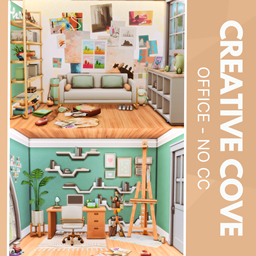
Creative Cove
Description
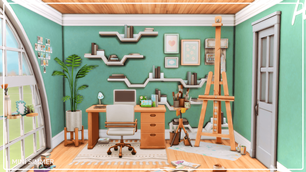
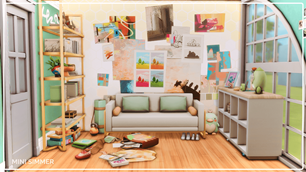
Welcome to your Sim’s dream art studio—packed with personality and inspiration. Between the lively gallery wall, cozy couch, and layered decor, it’s a haven for creators. The workspace balances productivity and style, with a sleek desk, computer, and painting nook. Pops of green and scattered art supplies give it that lived-in, imaginative energy. Whether they’re painting masterpieces or plotting their next big idea, this room fuels it all.
To install this room in your game:
-
Download the room and unzip the files.
-
Copy all the extracted files.
-
Paste them into your Tray folder (located at Documents → Electronic Arts → The Sims 4 → Tray).
-
Launch The Sims 4, open the Gallery, and go to the My Library tab.
-
Locate the lot, place it in your world, and enjoy!
Happy simming! 🎮