
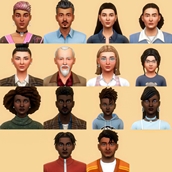
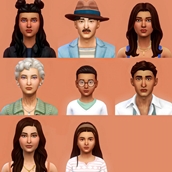
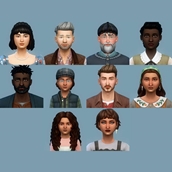
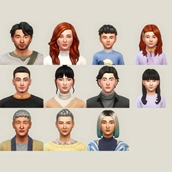
townie makeover save file
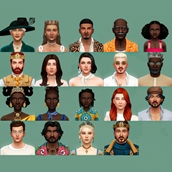
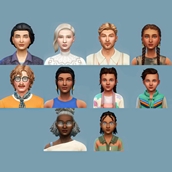

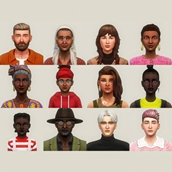
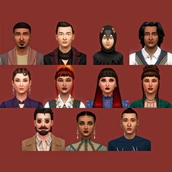

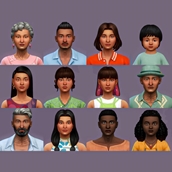
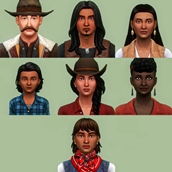
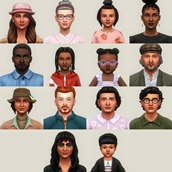
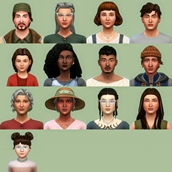
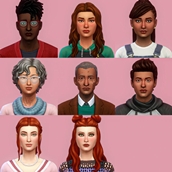
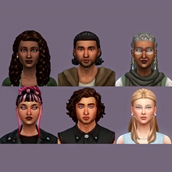
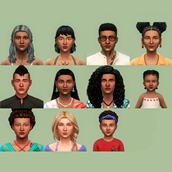

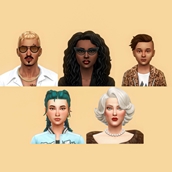
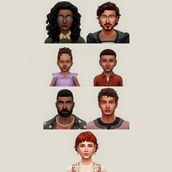
Description
how to install
- download the save file. the file is compressed (ending in .zip), so right-click it and select "extract all".
- copy the file you downloaded into your sims 4 saves folder. the typical location for this folder is: documents > electronic arts > the sims 4 > saves
- if you already have a save file with the same name, you can rename the new file by changing the numbers in the filename to avoid overwriting your current data.
- launch the sims 4 and on the main menu click "load game" and you should see the new save file in your list.
❗the cc used in the previews are not included in the .zip file so the sims will not look like the same in your game but if you're interested you can download the cc here:
⚠️ if you have any issues feel free to let me know and i'll do my best to fix it :)