
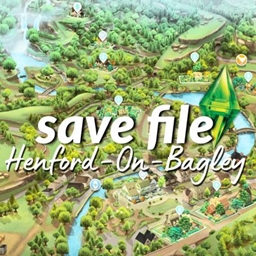
Realistic Save File V.3 Henford-On-Bagley... a living world








Description
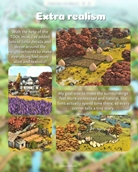
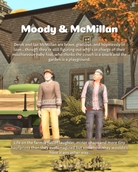
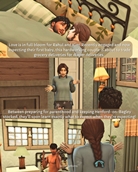
This version focuses on giving Henford even more heart, history and hidden stories, from cozy cottages to dramatic family ties. Every lot is brand new, every townie has been reimagined and the world feels more alive than ever.
What’s Included:
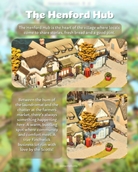
- 12 new aesthetic + functional builds
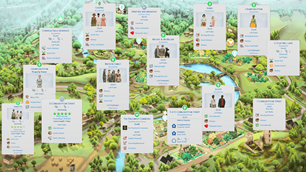
→ Including residential homes (one starter house, 2 unocupied homes but expensive), a business lot, one residential rental with one unit ready to have tenants and a custom Bed & Breakfast venue - Complete townie makeovers for all Henford default families
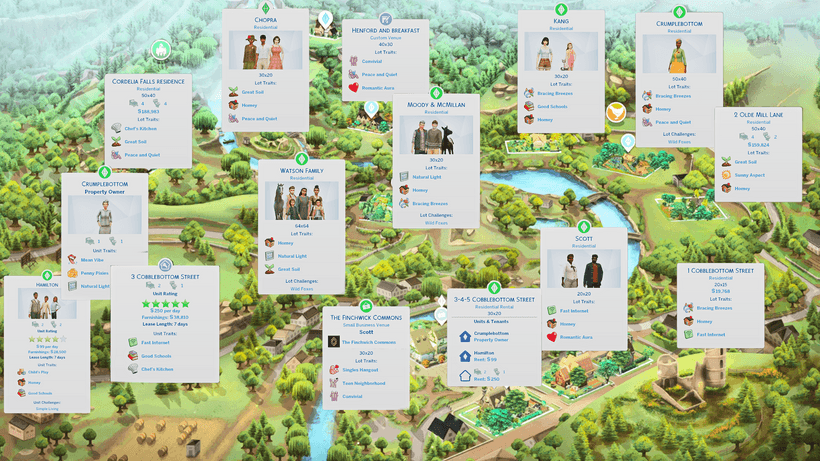
- New NPC additions:
The Mayor's family: Lavinia Chopra and her son, Rhaul - now being engaged with Kim Goldbloom
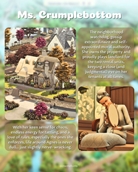
Ms. Crumplebottom and her sister Agatha
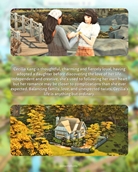
A brand-new family, The Hamiltons
- Fully connected relationships & lore — expect friendships, rivalries, romances and just a touch of countryside drama
Henford-on-Bagley transformed into a world of heart, history and hidden stories. New homes rise for townies, each reflecting their hopes and secrets. Friendships are tested, romances ignite and family bonds are both challenged and strengthened. Every corner of this countryside holds memories old and new, while fresh aesthetic touches bring the town to life in ways you’ve never seen. Step inside and discover a Henford where every story matters and every choice can change everything!
***Note that this save also includes the New Crest Save V1. and Sulani Save V2.

You will need EVERY pack EXCEPT Journey to Batuu Game Pack.
🧡 Download and details below!
🛠️ Fully Functional & Complete – Every lot is finished and ready to play! No empty or incomplete spaces. Keep an eye out for future updates, as I may add renovations or tweak townies and other worlds.
⚠️ Found an Issue? – If you notice anything not working as intended, let me know! I’ll do my best to fix it and update the save.
📸 Share Your Gameplay! – I’d love to see your Sims thriving in this world! Tag me in your screenshots—I’d be so happy to see how you play. 💕
How to Download and Install Save Files in The Sims 4
Download the Save File:
Click the download link provided in the post to download the file.
Once the download is complete, find the .zip file in your Downloads folder or wherever your files are saved.
Extract the File: Right-click on the downloaded .zip file and choose "Extract All".
Place the Save File in Your Sims 4 Saves Folder: Copy the file you downloaded into your Sims 4 saves folder. The typical location for this folder is:
Windows: Documents > Electronic Arts > The Sims 4 > Saves
Mac: Documents > Electronic Arts > The Sims 4 > Saves
Check for Existing Save Files: Before pasting, make sure not to overwrite any saves you want to keep. You can rename the downloaded save file by changing the slot number (e.g., Slot_00000001.save) to avoid conflicts.
Launch The Sims 4: Open The Sims 4 and go to the main menu. Click "Load Game," and you should see the new save file in your list.
Enjoy Your New Save File!
Click on the save and start playing to explore all the new builds and features!
❗ This save file includes content from most packs but you can still download and enjoy the save without having all the packs, but keep in mind that some sims and builds may be missing certain items.❗