
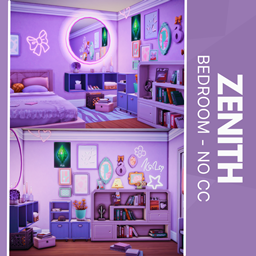
Zenith - No CC
Description
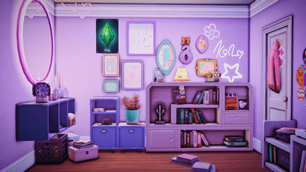
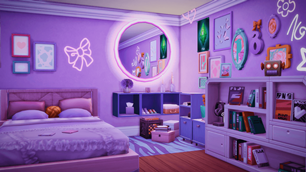
Elevate your Sims’ living space with the Zenith Bedroom, where deep lavender walls meet a neon-lit circular mirror that instantly energizes the room. A plush bed layered with sumptuous pillows and a cozy blanket anchors the space, while framed art and playful neon shapes dance across the walls. Sleek shelves and cabinets brim with books, lush potted plants, and curated decor, complemented by a striped rug underfoot and handy storage boxes tucked neatly beneath.
To install this room in your game:
-
Download the room and unzip the files.
-
Copy all the extracted files.
-
Paste them into your Tray folder (located at Documents → Electronic Arts → The Sims 4 → Tray).
-
Launch The Sims 4, open the Gallery, and go to the My Library tab.
-
Locate the lot, place it in your world, and enjoy!
Happy simming! 🎮