

Livingroom Hailey CC
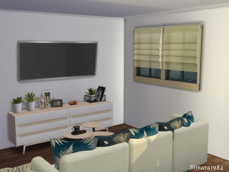
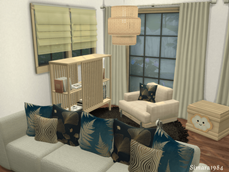
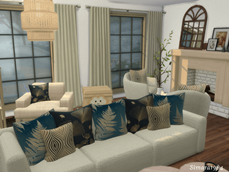
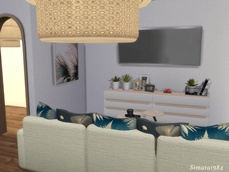
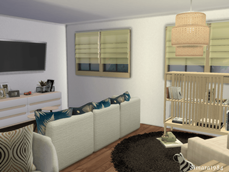
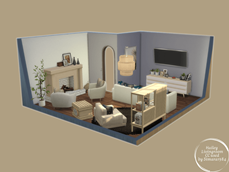
Description
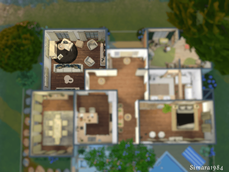
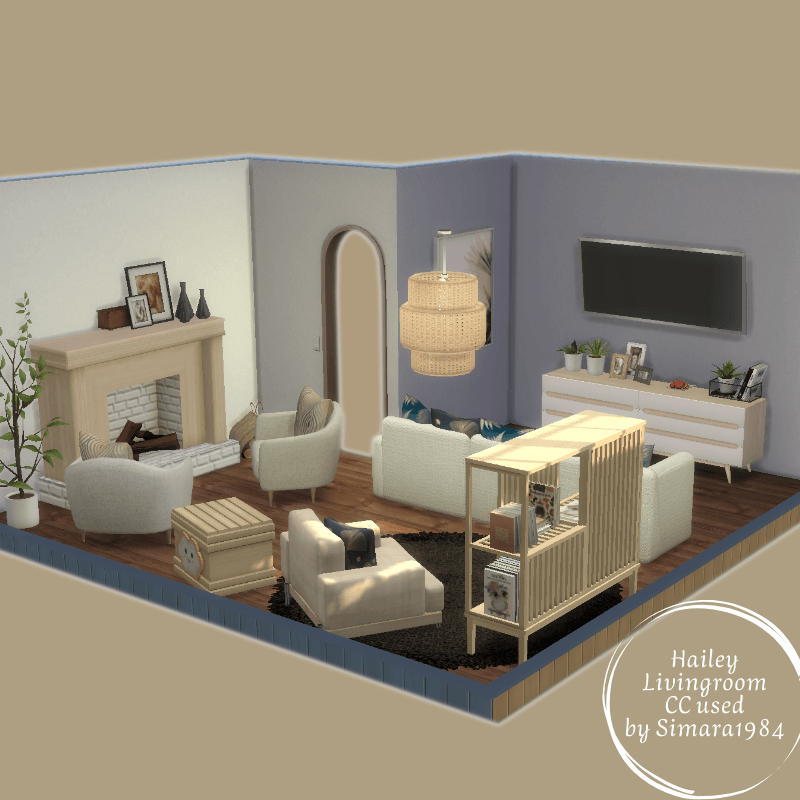
If you own my Hailey house, you can replace the NoCC livingroom with this one. The exact location is shown in the floor plan on the last picture.
You can also find Hailey on CurseForge at this link
Hailey NoCC House
If you need support to integrate the room and the required CC into your game, you will find an explanation below the CC list. CC list below the picture.
awingedllama
onyxium
Severinka
Soloriya
Kardofe
Mutske
Nynaevedesign
Nikadema
padre
Philo
Pralinesims
Simcredible
Oh Reykjavik - coffee table, regular sofa neutral, sideboard
Naturalis reading nook - Bookcase
Syboulette
Happy Stairways - books left, books right
ung999
How to add this room/house to your game:
Enter build mode and use bb.moveobjects before you place the Lot.
Download and unzip the files:
Download the file and unzip it.
Move all unzipped files to the tray folder, which you can find under the following path
Documents → Electronic Arts → The Sims 4 → Tray
Install the required CC:
Download the custom content (CC) listed below.
Move all files to the Mods folder:
Documents → Electronic Arts → The Sims 4 → Mods
Load house/room in the game:
Open The Sims 4 and go to your library.
Tick Show custom content on the left.
The room or house should now be visible.
If you want to replace the room in the Hailey house, follow these steps:
First, place the Hailey house on a suitable lot.
Then, open your library, select the CC livingroom, and place it in the correct spot in the house.
Make sure to delete the NoCC doors and windows, as they might otherwise be duplicated.
If something doesn't work, please contact me! 😊