
Keilani - No CC
Description
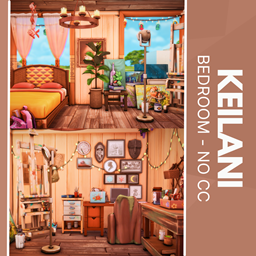
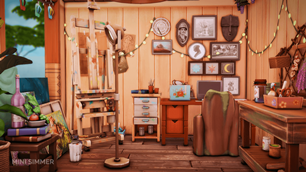
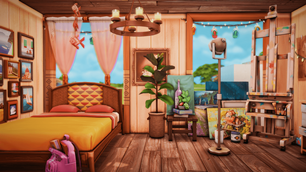
Give your Sims a cozy sanctuary with the Keilani Bedroom, where a vibrant geometric-patterned headboard meets a bedside table lined with lush greenery, stacked books, and flickering candles to create an inviting ambience. Soft hanging lights and a scenic window view wash the space in a warm, tranquil glow, while a dedicated art corner—complete with an easel, organized desk drawers, and stocked supplies—invites endless creative projects. Framed gallery walls and twinkling string lights add personal flair, transforming every surface into a visual delight. Designed entirely with Maxis-match pieces and requiring no custom content, this thoughtfully curated bedroom installs seamlessly into your game. Elevate your Sims’ living experience with a space that balances comfort, style, and artistic inspiration.
To install this room in your game:
-
Download the room and unzip the files.
-
Copy all the extracted files.
-
Paste them into your Tray folder (located at Documents → Electronic Arts → The Sims 4 → Tray).
-
Launch The Sims 4, open the Gallery, and go to the My Library tab.
-
Locate the lot, place it in your world, and enjoy!
Happy simming! 🎮