

Glitchware Grid - No CC
Description
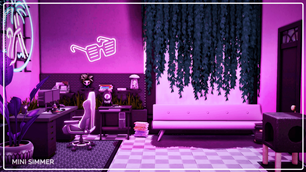
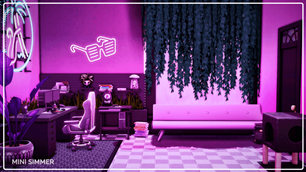
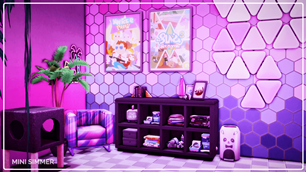
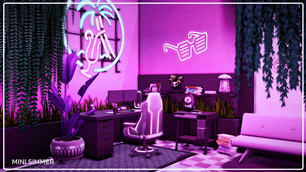
Transform your Sim’s gameplay experience in this visually captivating gaming room! The space is bathed in a vibrant purple hue, accentuated by neon signs of a flamingo and sunglasses, creating an atmosphere of excitement and immersion. The setup includes a stylish gaming desk with dual monitors, a comfortable gaming chair, and ample storage for all gaming essentials. Hexagonal and triangular wall patterns, along with colorful posters, add a playful and energetic vibe. This room combines both style and practicality, offering the ultimate space for Sims who live and breathe gaming.
To install this room in your game:
-
Download the room and unzip the files.
-
Copy all the extracted files.
-
Paste them into your Tray folder (located at Documents → Electronic Arts → The Sims 4 → Tray).
-
Launch The Sims 4, open the Gallery, and go to the My Library tab.
-
Locate the lot, place it in your world, and enjoy!
Happy simming! 🎮✨