

Future Pixel - No CC
Description
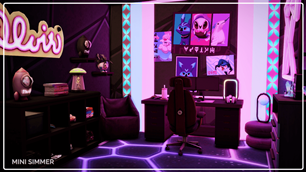
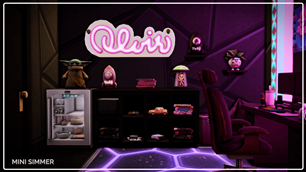
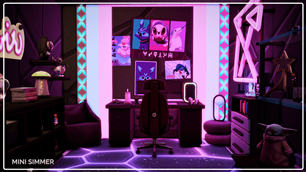
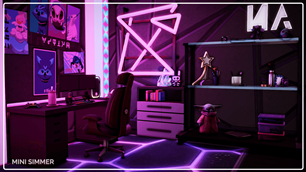
Step into the Future Pixel Gaming Room, where cutting-edge design meets unparalleled comfort. This room boasts a high-tech setup with neon-lit walls, ergonomic gaming chairs, and a spacious desk perfect for intense gaming sessions. The vibrant purple and blue lighting creates an immersive atmosphere, while the stylish decor, including unique wall art and geometric light fixtures, adds a touch of personality. With ample storage and cozy seating, this room is designed for both functionality and style. Elevate your gaming experience to the next level with this futuristic haven.
To install this room in your game:
-
Download the room and unzip the files.
-
Copy all the extracted files.
-
Paste them into your Tray folder (located at Documents → Electronic Arts → The Sims 4 → Tray).
-
Launch The Sims 4, open the Gallery, and go to the My Library tab.
-
Locate the lot, place it in your world, and enjoy!
Happy simming! 🎮✨