

Darkspire - No CC
Description
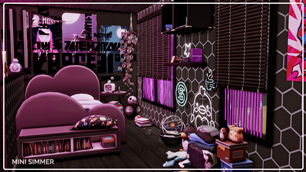
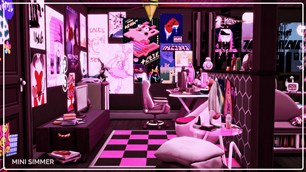
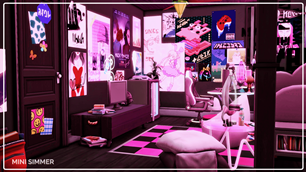
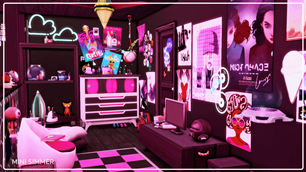
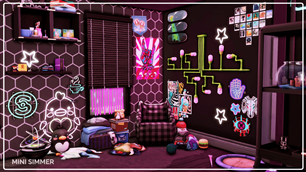
Immerse your Sim in a vibrant, cutting-edge design featuring a medley of bold neon lights and futuristic accents. The edgy hexagonal wall patterns and eclectic decor, including whimsical posters and plush friends, ensure every corner of this space is brimming with character. Twin beds merged with chic built-in bookshelves offer both comfort and organizational prowess, while a stylish desk area caters to scholarly endeavors and gaming marathons alike. With an audacious palette of purples, pinks, and blacks, your Sim's room becomes an entrancing and dynamic retreat. Perfect for those who love pushing boundaries in the realm of interior design, this room is an absolute standout!
To install this room in your game:
-
Download the room and unzip the files.
-
Copy all the extracted files.
-
Paste them into your Tray folder (located at Documents → Electronic Arts → The Sims 4 → Tray).
-
Launch The Sims 4, open the Gallery, and go to the My Library tab.
-
Locate the lot, place it in your world, and enjoy!
Happy simming! 🎮✨