
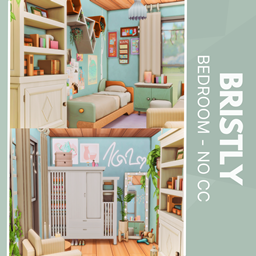
Bristly Bedroom - no CC
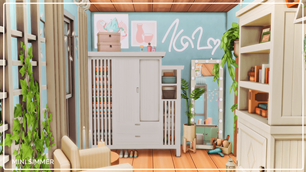
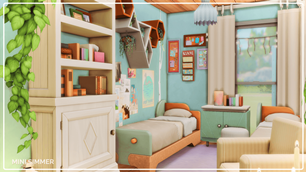
Description
Transform your Sims' living space with the Bristly Bedroom – No CC! This thoughtfully curated room blends soft colors, lush greenery, and vibrant wall art for a relaxing atmosphere. Featuring a sleek desk, plush bed, and clever storage, it’s perfect for stylish Sims with a practical side. Decorated with charm and purpose, every detail adds warmth without sacrificing space or functionality. Easy to place, maxes out comfort—no custom content required!
To install this room in your game:
-
Download the room and unzip the files.
-
Copy all the extracted files.
-
Paste them into your Tray folder (located at Documents → Electronic Arts → The Sims 4 → Tray).
-
Launch The Sims 4, open the Gallery, and go to the My Library tab.
-
Locate the lot, place it in your world, and enjoy!
Happy simming! 🎮