

Glitch Den - No CC
Description
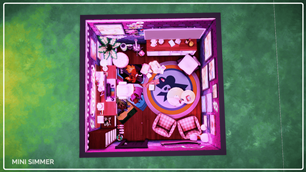
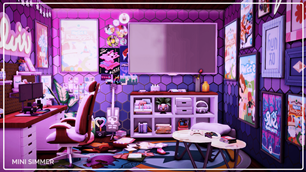
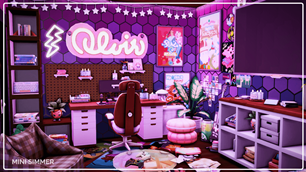
Transform your Sim’s home with this eye-catching gaming room! The space features a striking purple hexagonal wall pattern adorned with neon lights and star garlands, creating an immersive gaming atmosphere. The sleek setup includes a modern desk, ergonomic chair, and multiple monitors, ensuring a top-notch gaming experience. Plush accessories and colorful posters decorate the room, adding a playful and energetic vibe. With ample storage and a cozy seating area, this vibrant room is perfect for both gaming and relaxation.
Imagine the adventures your Sim could embark on in this electrifying space!
To install this room in your game:
-
Download the room and unzip the files.
-
Copy all the extracted files.
-
Paste them into your Tray folder (located at Documents → Electronic Arts → The Sims 4 → Tray).
-
Launch The Sims 4, open the Gallery, and go to the My Library tab.
-
Locate the lot, place it in your world, and enjoy!
Happy simming! 🎮✨