
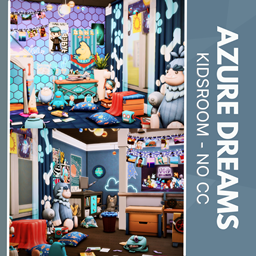
Azure Dreams - No CC
Description
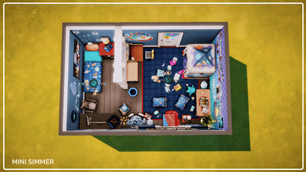
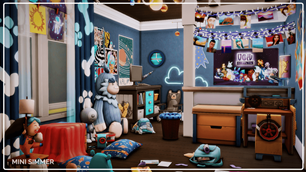
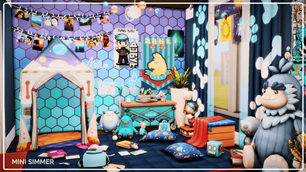
Transform your Sim's home with this enchanting "Azure Dreams" kids' room, featuring a delightful mix of colorful decor and playful elements. The room is adorned with charming wall art, cozy pillows, and an array of adorable stuffed animals. A creative workspace and reading nook provide the perfect spots for your Sim children to study and unwind. The room's vibrant blue tones and whimsical decorations create a magical atmosphere that will inspire endless adventures. Ideal for any Sim family looking to add a touch of wonder to their home.
To install this room in your game:
-
Download the room and unzip the files.
-
Copy all the extracted files.
-
Paste them into your Tray folder (located at Documents → Electronic Arts → The Sims 4 → Tray).
-
Launch The Sims 4, open the Gallery, and go to the My Library tab.
-
Locate the lot, place it in your world, and enjoy!
Happy simming! 🎮✨