
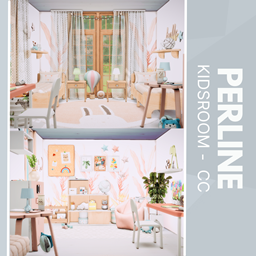
Perline Bedroom
Description
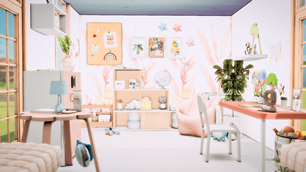
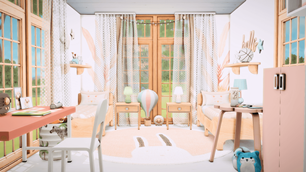
Bring a serene, storybook-ready atmosphere to your Sims with the PERLINE Kidsroom CC: soft pastels and light-wood furnishings create a cozy twin-bedroom perfect for siblings or shared play, with two tidy beds, bedside lamps, and a circular rug that anchors the space. A sunlit window dressed in sheer curtains and string lights adds gentle ambiance while a dedicated study nook—complete with desk, chair, shelving, and a colorful bulletin board—keeps creativity and learning organized. Charming accents like a hot-air balloon, plush toys, curated wall art, and a large plant add personality and warmth, making the room ideal for family gameplay, screenshots, or tranquil nursery builds.
To install this room in your game:
-
Download the room and unzip the files.
-
Copy all the extracted files.
-
Paste them into your Tray folder (located at Documents → Electronic Arts → The Sims 4 → Tray).
-
Launch The Sims 4, open the Gallery, and go to the My Library tab.
-
Locate the lot, place it in your world, and enjoy!
Happy simming! 🎮