
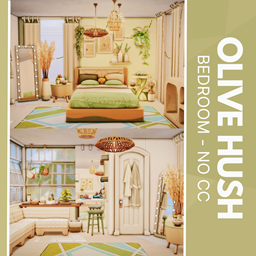
Olive Hush - No CC
Description
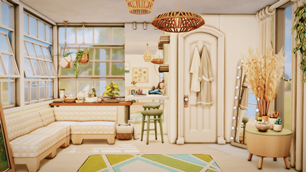
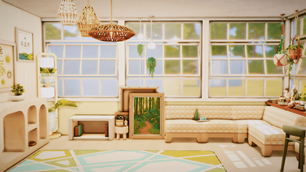
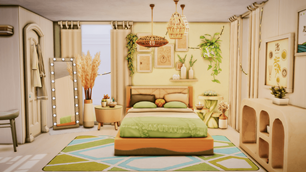
Welcome to Olive Hush—a tranquil, no-CC bedroom designed to soothe the senses and spark quiet joy. Wrapped in soft sage, muted woods, and gentle textures, this space blends cozy elegance with natural charm. From the layered pillows and wicker pendant lights to the leafy accents and geometric rug, every detail invites rest and reflection. A corner bench and plant-filled desk offer the perfect nook for journaling or daydreaming, while the cohesive palette keeps the room feeling calm and complete. Whether you're winding down or waking up, Olive Hush is your serene escape.
To install this room in your game:
-
Download the room and unzip the files.
-
Copy all the extracted files.
-
Paste them into your Tray folder (located at Documents → Electronic Arts → The Sims 4 → Tray).
-
Launch The Sims 4, open the Gallery, and go to the My Library tab.
-
Locate the lot, place it in your world, and enjoy!
Happy simming! 🎮