
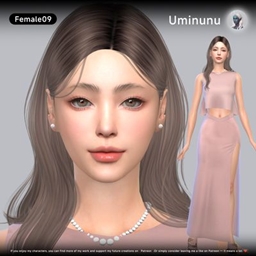
Uminunu-F9
Description
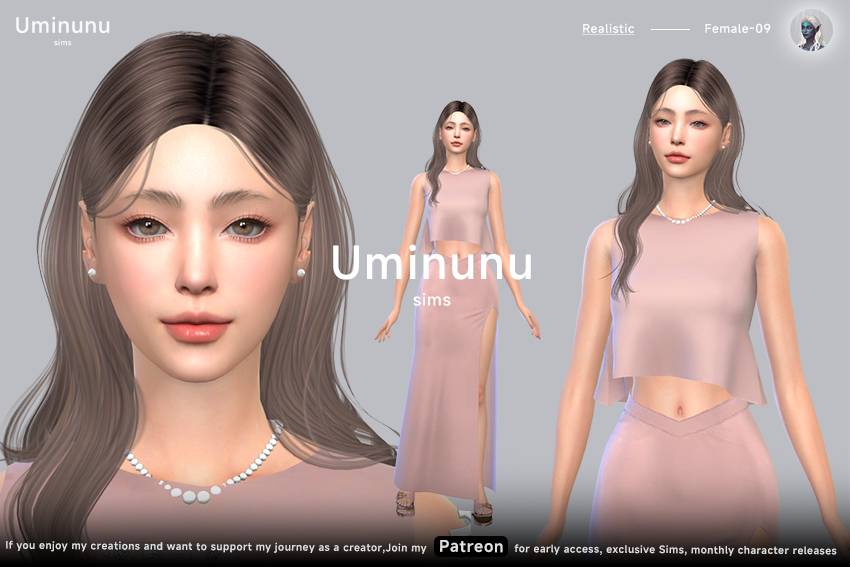
If you enjoy my creations and want to support my journey as a creator, join my ♡ Patreon ♡ for early access, exclusive Sims, and monthly character releases.
Required CC :
[Kijiko]eyelash_YF_Mak_thin-natura_Gl
[Kijiko]SkinTone00_non-default_MM_add-colors_Fixed
[poyopoyo] Charlotte Skin (Skin N6)
[RIMINGS] Nail _Plain Color Ver
astya96_february_collection_skirt_03
GPME-GOLD MAKEUP SET CC92 - Eyeshadow
RemusSirion_eyes_323_Novo-Analogue_FACEPAINT
❤️【Next are the sliders. If you want the Sim to look exactly as shown, please make sure to download them.
1 Meatballteeth_Nose_Rotate_Slider
[bloodmoon] forehead height slider_Fixed
[KIKIW]The perfect doll slider_eyes_Fixed
[MB] Default chin slider_Fixed
[MB] Default mouth slider_Fixed
[MB] Default nose slider_Fixed
Dumbaby chin slider FEMALE_Fixed
miiko-eyebrow-slider-02(far-close)_Fixed
obscurus_esotropia_and_exotropia_slider_package
obscurus_eye_width_slider_package
✦ Installation
Place the included .package files into:
Documents > Electronic Arts > The Sims 4 > Mods
Place the Sim’s Tray files into:
Documents > Electronic Arts > The Sims 4 > Tray
Make sure Custom Content & Mods are enabled in your game settings.
✦ Notes
If you notice that your Sim’s facial features look slightly different after installation, it’s most likely caused by sliders.
You can either use your own sliders and make some small adjustments, or keep the sliders I used to preserve the original look.
✦ Support Uminunu
If you enjoy my characters, you can find more of my work and support my future creations on Patreon.
Or simply consider leaving me a like on ♡ Patreon ♡ — it means a lot.
Thank you for your support!
- Uminunu